

A B2B guide to evaluating product fit, firmware, engineering responsibility, compliance evidence, quality control and sample approval.
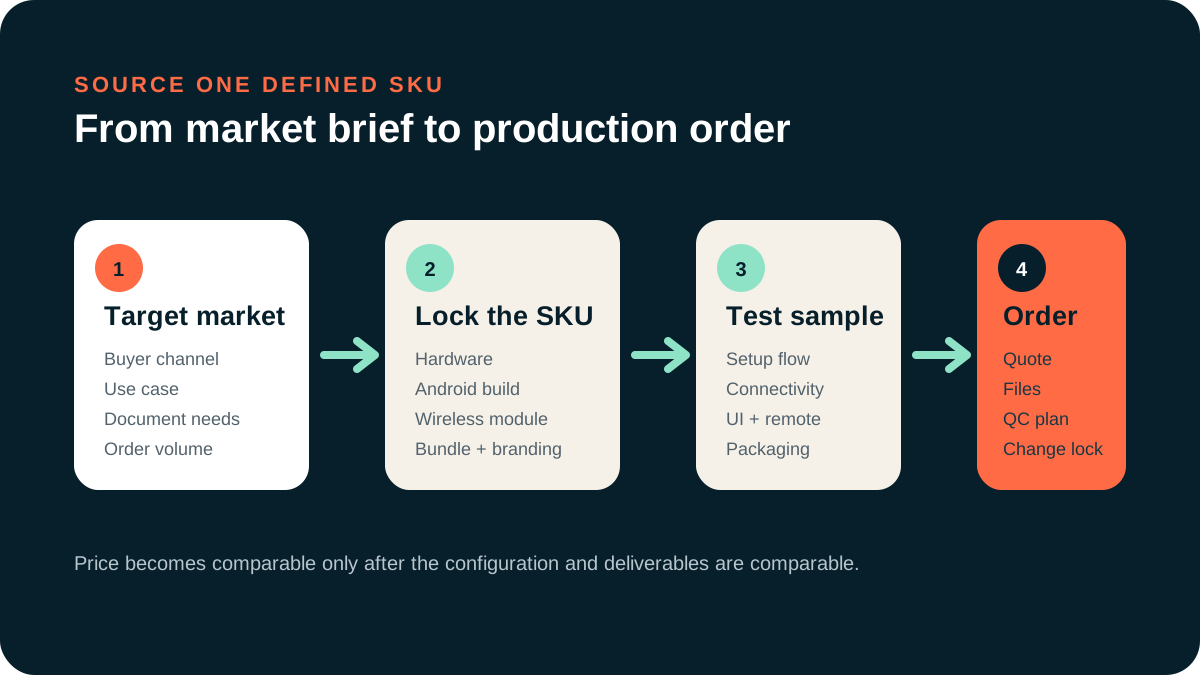
Short answer: Choose a manufacturer by the exact product and market you need, then verify the proposed hardware-and-firmware build, engineering responsibility, applicable documents, quality controls and change process. A low quotation is not comparable when the configuration or project scope is different.
1. Start with product positioning
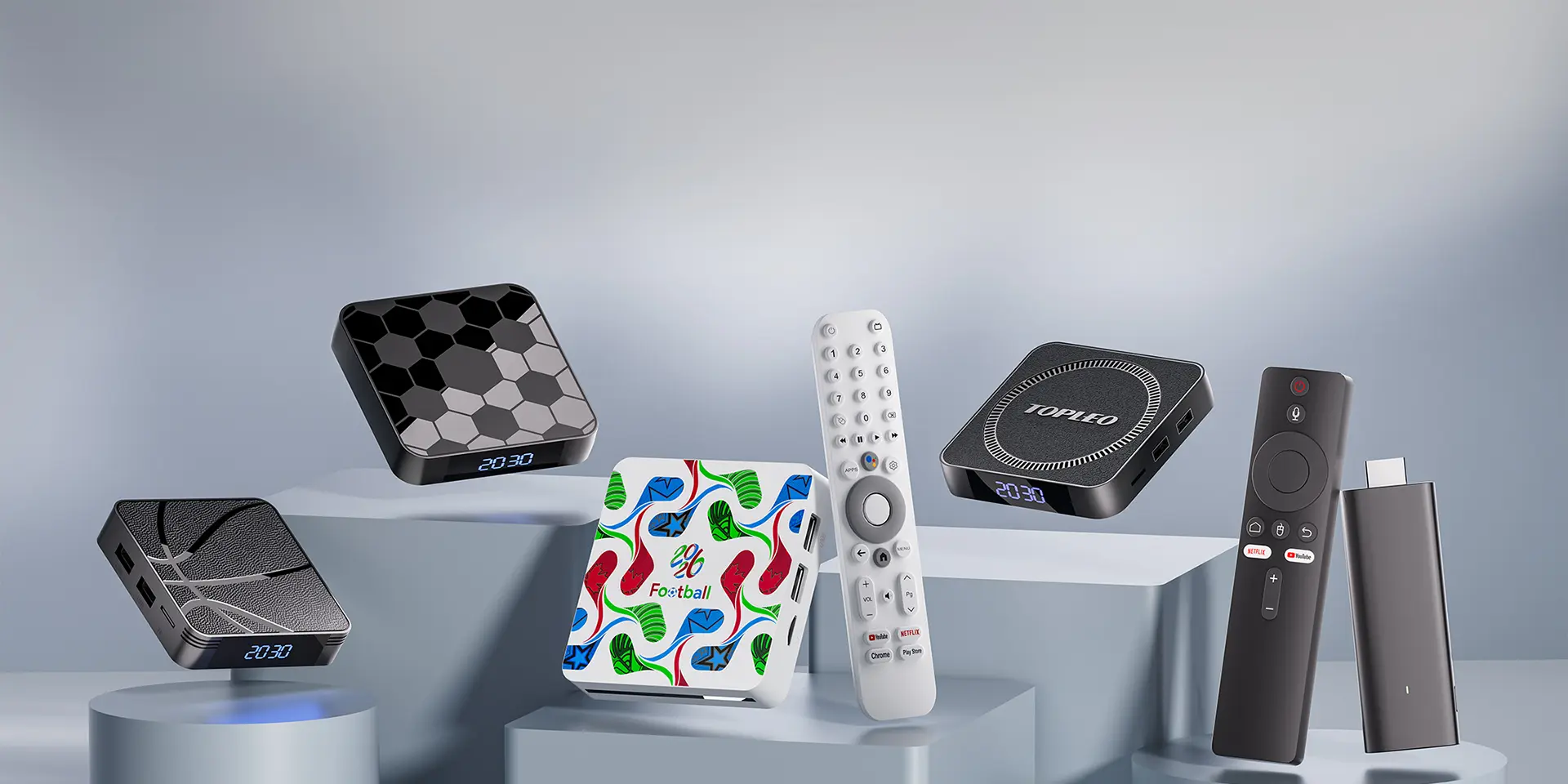
Define whether the project is an Android TV box, certified Google TV version, TV stick, hybrid streaming device or market-specific media player. State the target market, required interfaces, memory and storage options, software route, remote, accessories and packaging. The TV Box & Stick category provides a starting point for comparing currently listed models.
2. Check the engineering scope
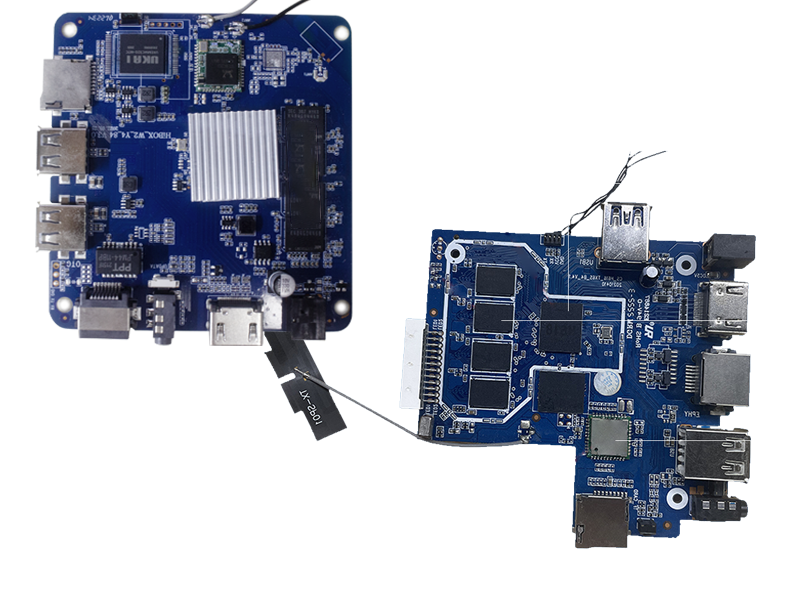
Ask which work is available for the proposed model: configuration selection, PCB changes, firmware settings, launcher or UI, boot assets, remote pairing, application handling, enclosure, packaging and update planning. Then separate included platform work from paid development and buyer-supplied files. The OEM vs ODM guide explains how to turn these labels into a responsibility matrix.
3. Verify firmware stability
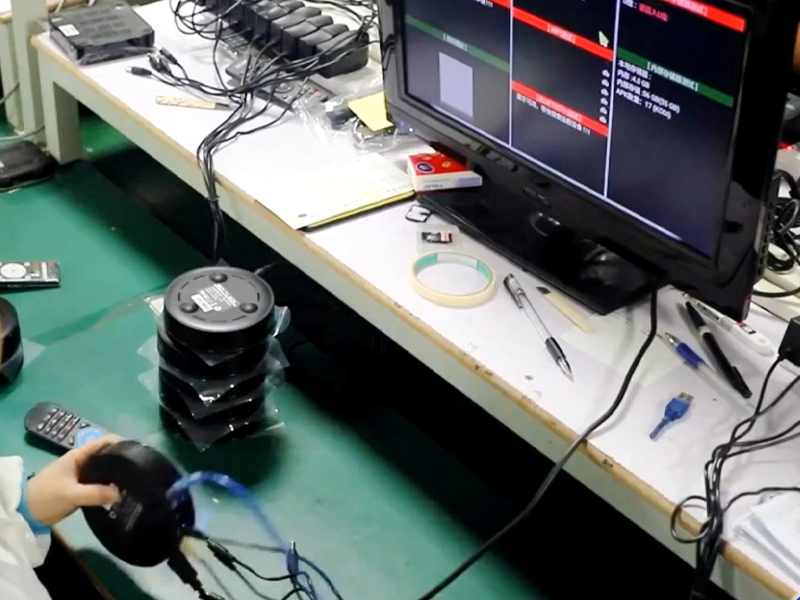
Test more than the home screen. Check cold boot, restart, standby, HDMI output, Wi-Fi, Bluetooth, remote input, representative media, storage, factory reset, update and recovery. Record the exact sample configuration and repeat the same sequence after fixes. Use the firmware stability checklist to structure this work.
Android’s Compatibility Test Suite is a formal compatibility tool; a buyer-side functional checklist does not replace applicable platform or certification evidence.
4. Review compliance and platform evidence
Begin with the target market and exact product version. Ask which safety, electromagnetic compatibility, environmental, power-adaptor, radio or platform documents are required and who will provide them. Google/GTV and Netflix/NTV statements apply only to the confirmed certified model version supported by the applicable authorization and evidence.
5. Evaluate quality control and traceability
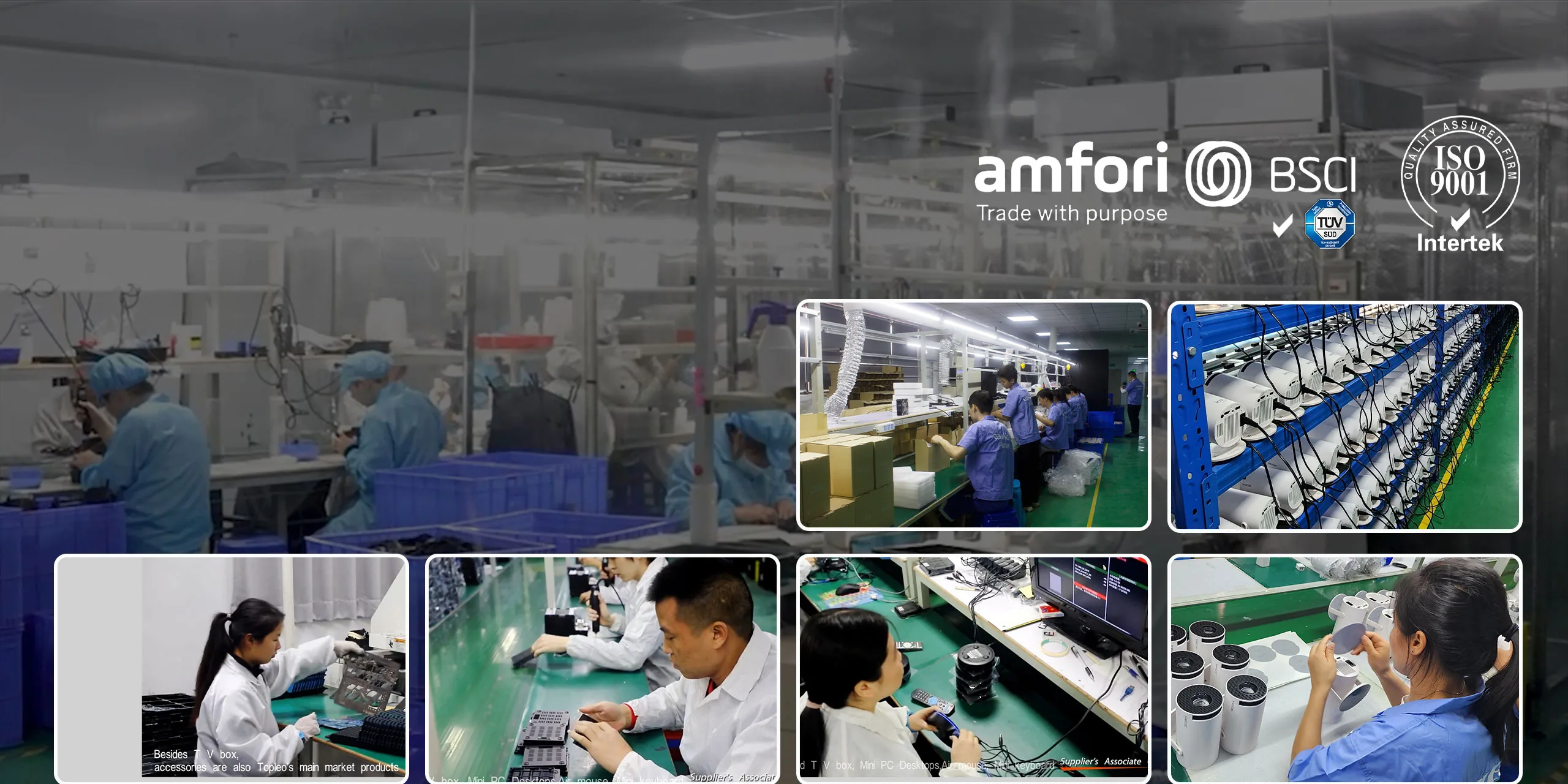
Review how incoming materials, PCBA, assembly, firmware, functional testing, aging, final inspection and packaging are recorded. The useful question is whether the approved configuration can be traced through production and whether a change triggers a defined review.
6. Confirm the commercial scope
Ask the supplier to quote the same configuration and clearly separate ready-stock supply, branding, packaging, firmware changes, hardware changes, certification work and tooling. MOQ and lead time depend on the defined scope, so obtain project-specific confirmation instead of treating a general figure as universal.
7. Approve a sample before production
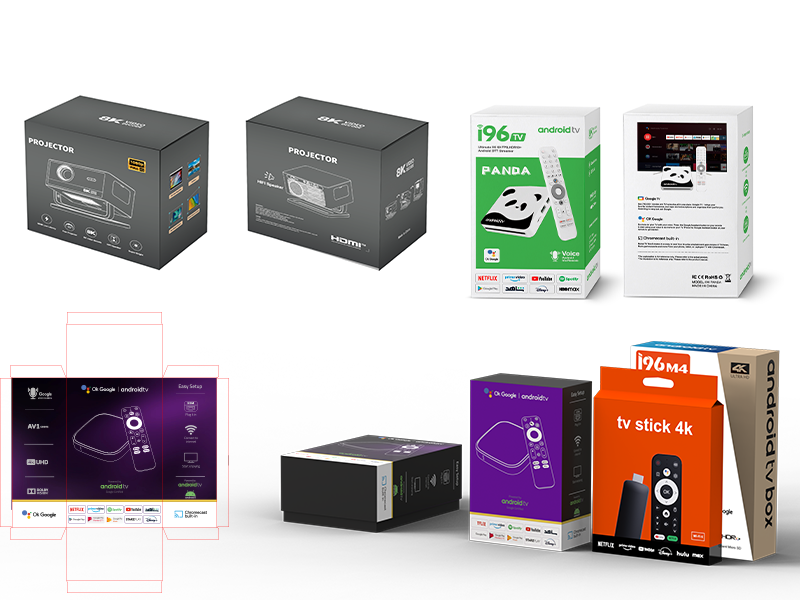
Use a written acceptance matrix for performance, interfaces, UI, remote, network, thermal behavior, packaging and market-specific requirements. Identify a golden sample and record what changes require retesting. If the project includes an OTA path, review Android’s official OTA documentation and confirm the mechanism actually supported by the proposed build.
Questions to ask before placing an order
- Which exact hardware revision and firmware build are being quoted?
- Which items are standard, configurable or newly developed?
- Who owns tooling, firmware changes, files and test assets?
- Which documents apply to this exact version and target market?
- How are defects reproduced, corrected and regression-tested?
- How are approved changes communicated before production?
Sources
- Android Open Source Project: Compatibility Test Suite overview
- Android Open Source Project: OTA updates
- WIPO: Exploiting Intellectual Property Assets
Comparing Android TV box suppliers?
Send the target market, product type, configuration, customization and estimated quantity. TOPLEO can confirm the proposed scope before quotation.
[…] When a defect is found, ask for a reproducible issue record: steps, frequency, build, hardware revision, connected equipment and evidence. “Optimized firmware” is not a closure criterion; a fixed build must pass the failed step again and then repeat the surrounding regression tests. The broader supplier decision is covered in the Android TV box OEM/ODM manufacturer guide. […]
[…] Supplier selectionHow to Choose an Android TV Box OEM/ODM ManufacturerSample evaluationHow to Evaluate a Smart Projector SampleProject termsTOPLEO OEM/ODM FAQ […]
[…] Supplier selectionHow to Choose an Android TV Box OEM/ODM ManufacturerSample testingAndroid TV Box Firmware Stability ChecklistProject modelOEM vs ODM Electronics Manufacturing […]
[…] modelOEM vs ODM Electronics ManufacturingSupplier evaluationAndroid TV Box Manufacturer GuideProject questionsTOPLEO OEM/ODM […]