

A repeatable sample-approval workflow for image performance, focus, keystone, thermal behavior, interfaces and the smart system.
Short answer: Evaluate a smart projector with controlled source material, a recorded image size and distance, repeatable room conditions, and a configuration sheet tied to the sample. Check optical performance and software stability separately, then rerun the complete acceptance sequence after any firmware or hardware change.
Before testing: identify the exact version
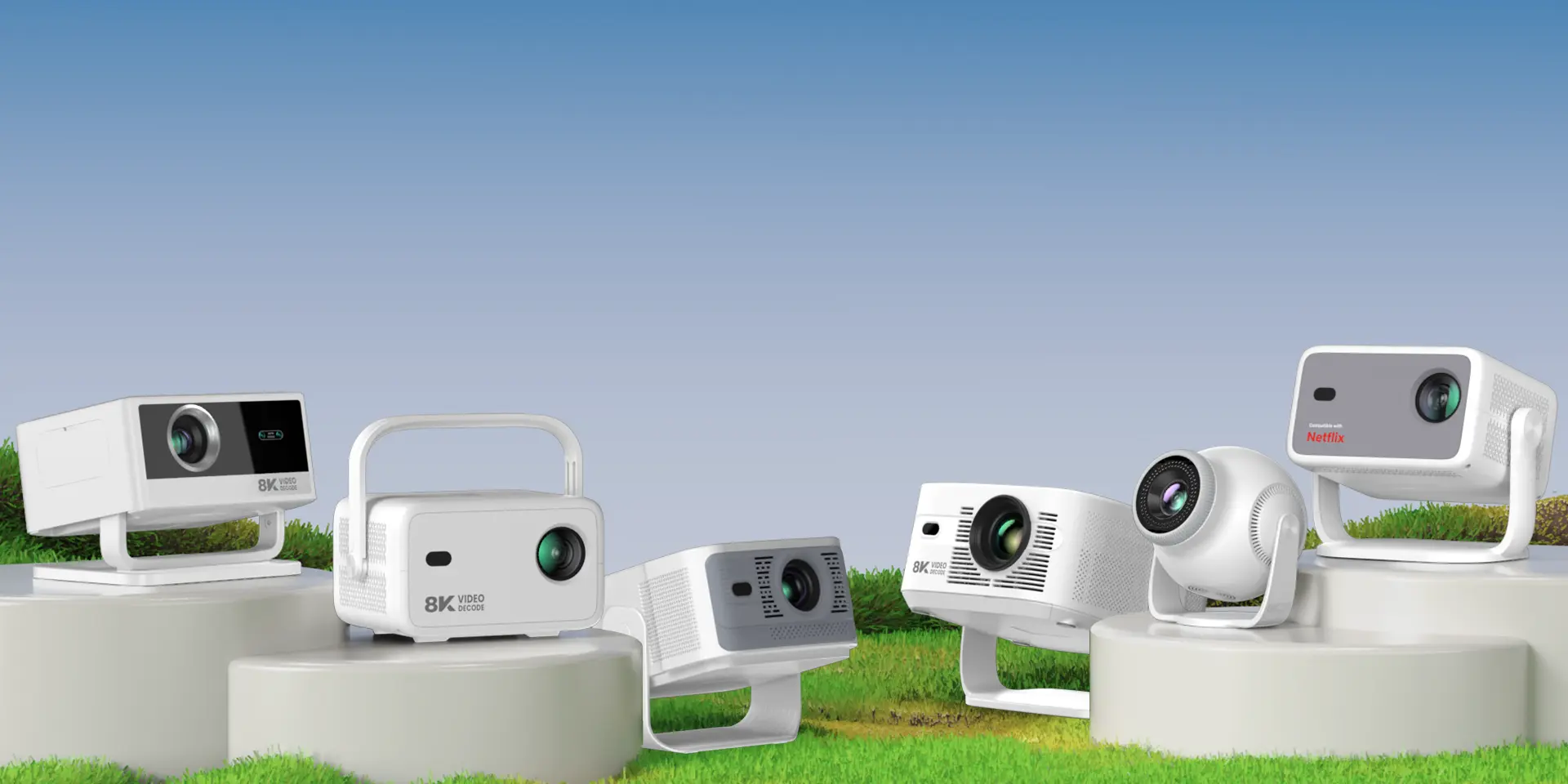
One enclosure can contain different chipsets, memory, storage, operating systems or licensed platform versions. Record the model and variant, chipset, memory and storage, native display resolution, declared brightness method, lens and focus type, keystone functions, Wi-Fi and Bluetooth specification, ports, firmware build and remote. Use the Smart Projector category to confirm which public model page matches the sample.
If a model has both an AOSP version and a certified platform version, treat them as separate configurations. Certification or platform authorization for one version must not be transferred to another version by name, appearance or enclosure.
Check what the brightness figure actually describes
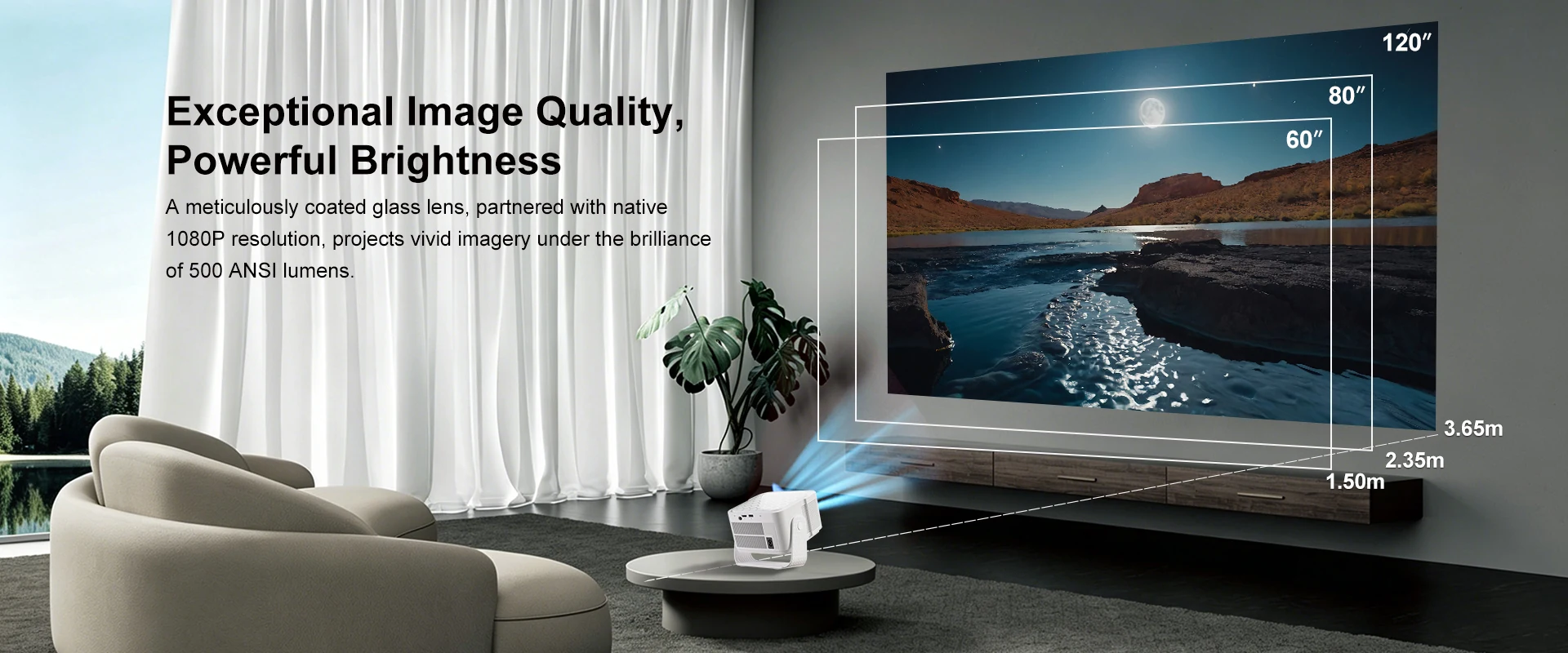
Ask for the measurement unit, method, mode, image size and test evidence behind any brightness statement. ISO/IEC 21118 specifies information to be included in data-projector specification sheets. A brightness number without a named method and test conditions is difficult to compare.
For buyer-side comparison, keep the screen or wall, throw distance, image size, picture mode, source pattern and room light unchanged. A lux meter can support relative comparison, but an informal reading should not be relabeled as a formal ANSI or ISO lumen result.
Optical and image checks
1. Native resolution and source handling
Display fine text, single-pixel patterns and representative video. Confirm the native panel resolution separately from the maximum accepted input signal. Check scaling, edge detail, motion and subtitle clarity at the intended viewing distance.
2. Focus across the image
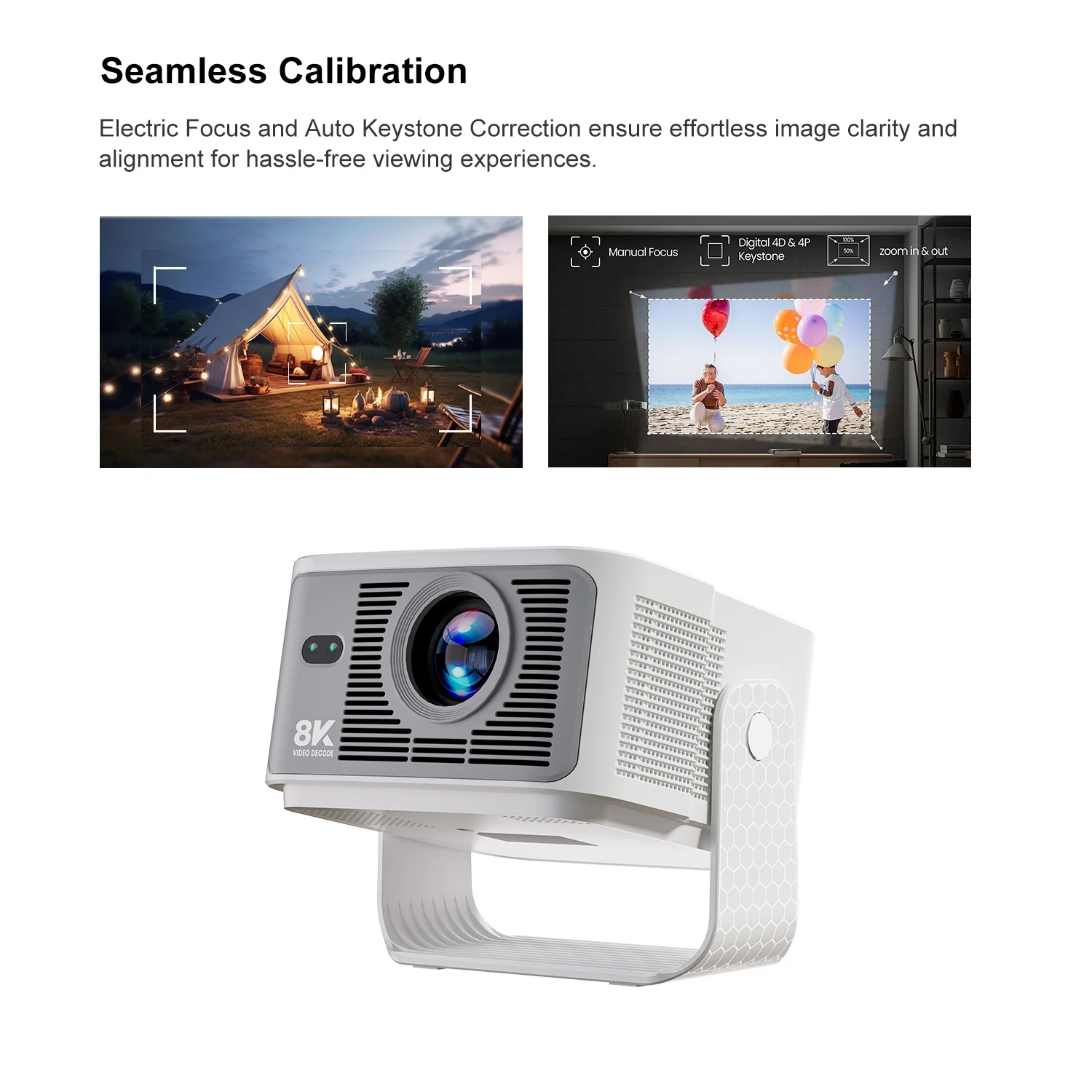
Focus the center, then inspect all corners and edges without changing the control. Repeat after warm-up. Record whether the best center focus leaves a weak corner, whether focus drifts with temperature, and whether electric focus stops consistently.
3. Geometry and keystone
Start with the projector physically square to the screen. Check native geometry before applying correction, then evaluate the advertised manual or automatic keystone functions. Look for cropped content, reduced text clarity, unstable detection or a correction range that is unsuitable for the target installation.
4. Uniformity, color and defects
- Use full-white, gray, black and primary-color patterns.
- Inspect brightness and color consistency from center to corners.
- Check for dust spots, bright or dark pixels, color tint, light leakage and visible banding.
- Repeat with real content so a pattern-only result does not hide processing issues.
Smart system and interface checks
- Run cold boot, restart, standby and wake sequences.
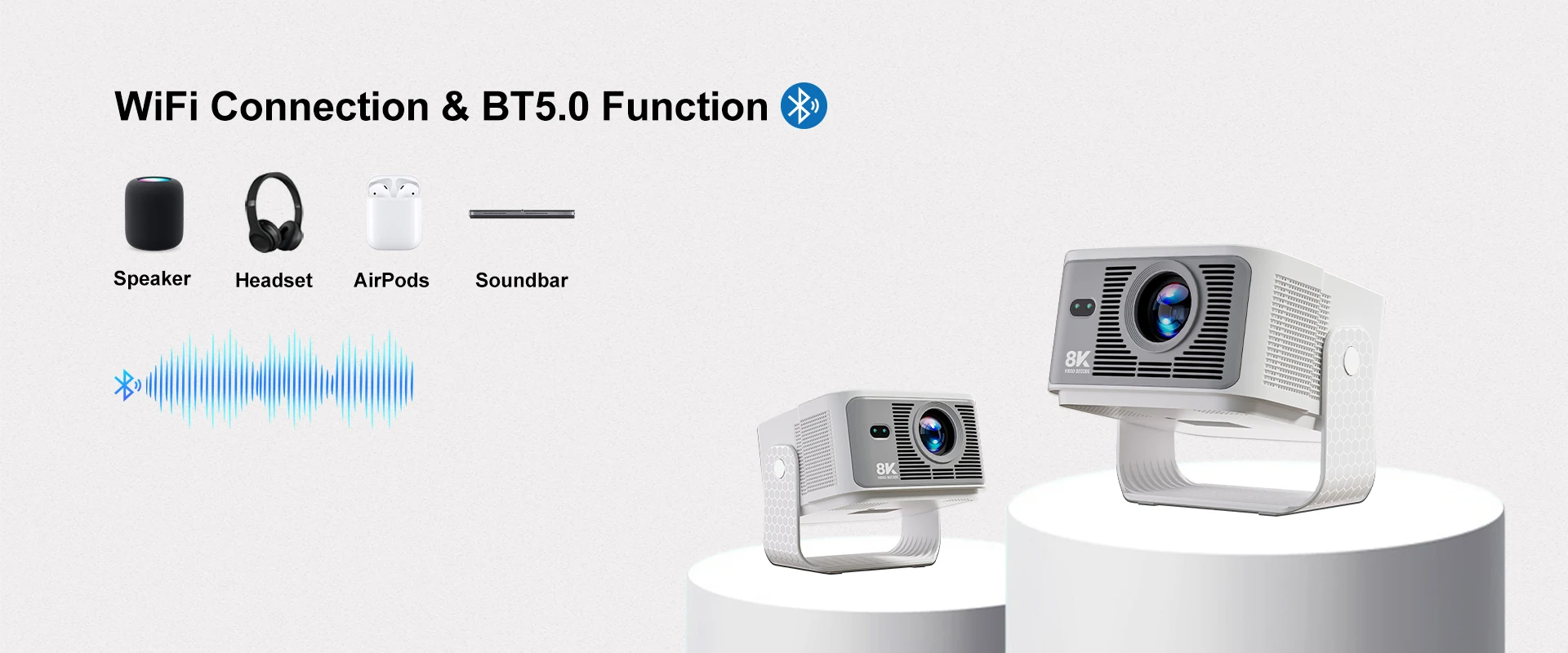
- Connect to the required Wi-Fi bands and Bluetooth accessories, then test reconnection.
- Verify HDMI, USB and audio interfaces included in the approved configuration.
- Test the supplied remote, launcher, settings, language and factory reset.
- Use representative permitted applications and media; record the exact files and streams.
- Confirm the proposed update method and recovery process for the shipping build.
For Android-based projectors, a functional sample test does not replace formal compatibility or platform-certification evidence. Google’s Android Compatibility Test Suite is a separate suite used to help assess Android compatibility, and applicable results must belong to the exact device implementation.
Thermal, acoustic and long-run behavior
Run a defined workload until the unit reaches stable operating temperature. Record room temperature, picture mode, source and duration. Check focus drift, fan-noise changes, UI slowdown, wireless interruption, application exits, shutdown or reboot. Repeat the same run on more than one sample before treating the result as representative.
Listen for tonal or intermittent noises as well as overall fan sound. A simple sound reading can help compare samples when the meter position and room remain unchanged, but it should not be presented as a laboratory acoustic specification.
Build a project-specific scorecard
| Area | Record | Acceptance question | Evidence |
|---|---|---|---|
| Brightness | Method, mode, size, distance | Does evidence match the declared figure? | Report and setup photos |
| Focus | Center, edges, warm state | Is required content readable across the image? | Grid and text photos |
| System | Build, apps, network, ports | Does the exact build repeat required tasks? | Test log and video |
| Thermal | Room, workload, duration | Does performance remain stable? | Timed observation log |
What belongs in the sample approval record
- Configuration and firmware identifiers.
- Photos of the sample, label, remote, adaptor and ports.
- Measurement conditions and source files.
- Pass, fail, exception and retest results by item.
- Open issues, responsible owner and corrected-build number.
- Approved golden-sample identity and change-control rule.
When the supplier changes the LCD module, optical engine, board, memory, firmware or power solution, decide which tests must be repeated. Sample approval is only useful when it is tied to change control.
Sources
- ISO: ISO/IEC 21118:2020 projector specification-sheet standard
- Android Open Source Project: Compatibility Test Suite overview
- Android Open Source Project: OTA updates
Need a projector sample plan?
Send the target market, platform version, image requirements, interfaces and customization scope. TOPLEO can confirm which details must be fixed before sample evaluation.
[…] selectionHow to Choose an Android TV Box OEM/ODM ManufacturerSample evaluationHow to Evaluate a Smart Projector SampleProject termsTOPLEO OEM/ODM […]
[…] Keep the final decision tied to the physical sample and its configuration record. The broader workflow is covered in How to Evaluate a Smart Projector Sample Before Approval. […]