

A practical workflow for checking boot reliability, HDMI output, connectivity, updates and repeatability before an Android TV box sample is approved.
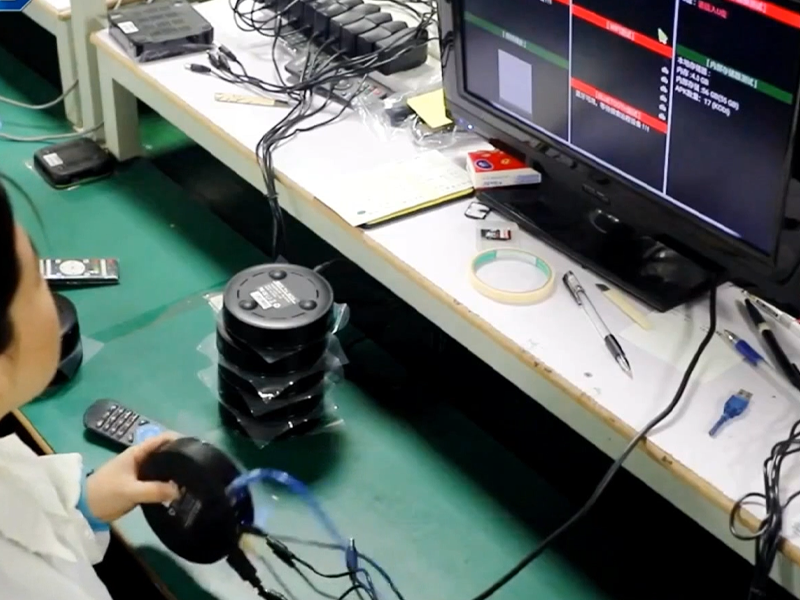
Short answer: Do not approve an Android TV box sample after one successful startup. Record the exact hardware and firmware build, repeat the same test sequence, include power interruptions and factory reset, and separate general stability testing from formal Android or platform certification.
What firmware stability means in a sourcing project
Firmware stability is the ability of one defined hardware-and-software configuration to behave consistently under the conditions your customers will use. It includes the boot chain, user interface, media playback, HDMI output, network and Bluetooth stacks, remote control, storage, update path and recovery behavior.
A polished home screen is not evidence of a stable build. A sample can appear normal during a short demonstration and still fail after a cold boot, a network change, a display-mode switch or an update. The useful question is not “does it work?” but “can this exact build repeat the required behavior without an unexplained failure?”
Freeze the sample identity before testing
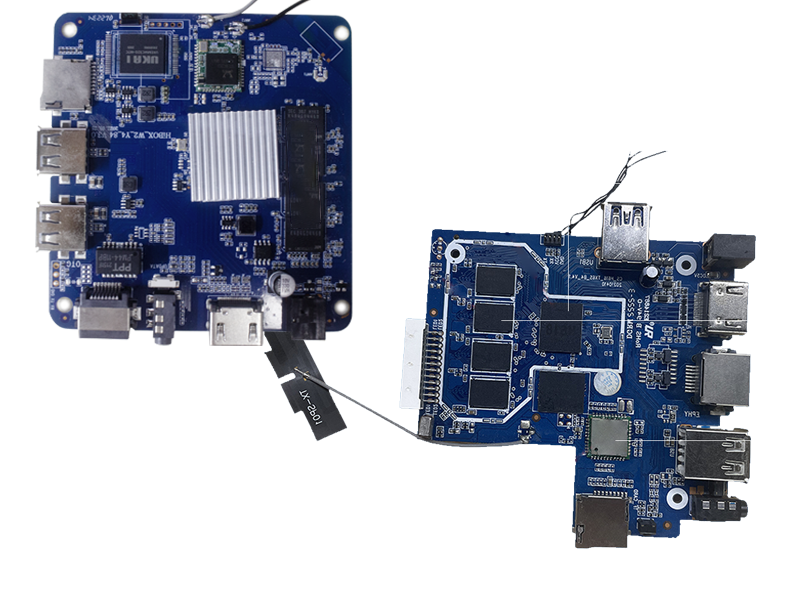
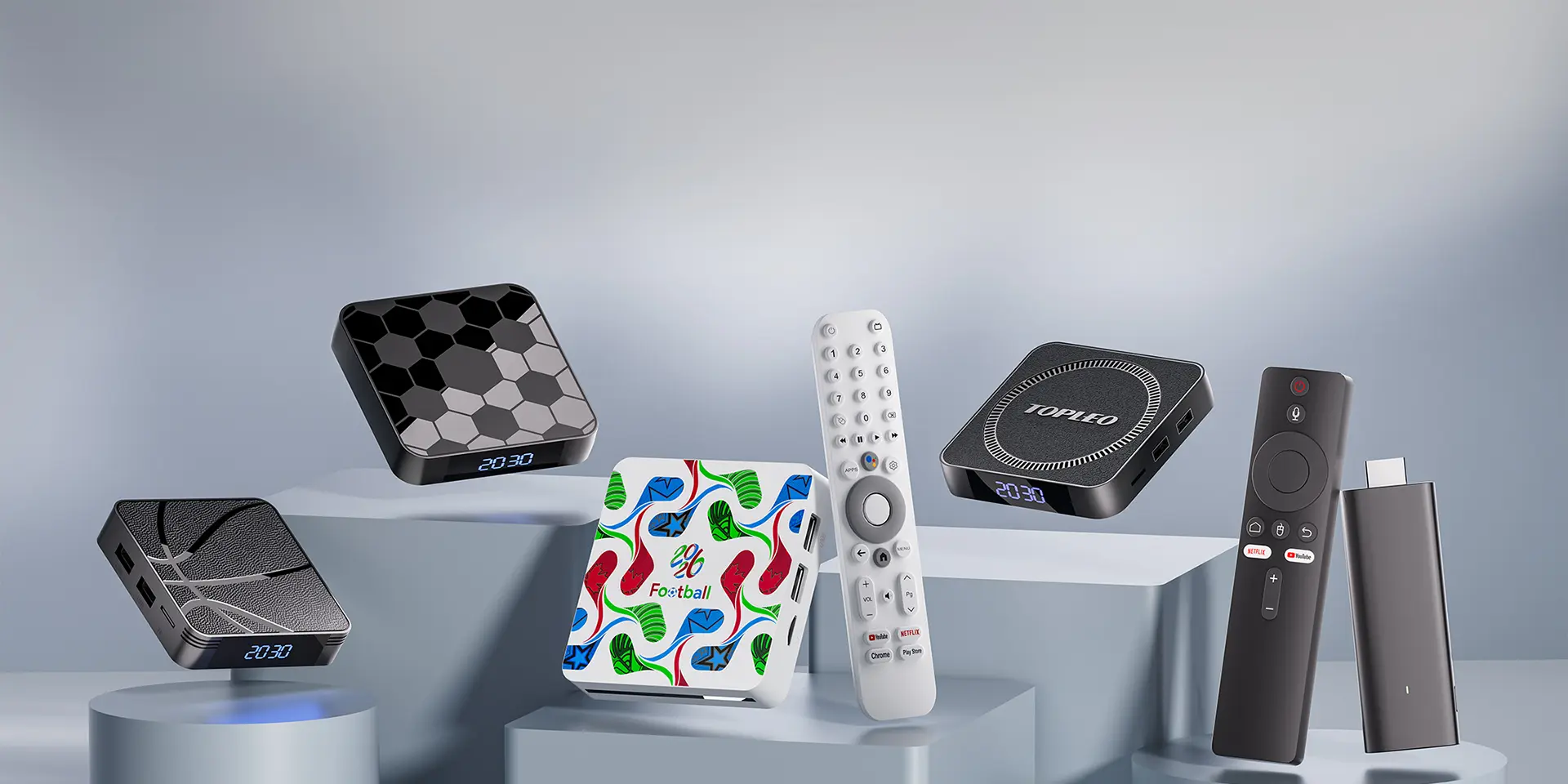
Start with a configuration record. Photograph the label and ports, then record the model, PCB revision, chipset, memory and storage, Android version, build number, security patch level, launcher version, remote type, power adaptor and supplied accessories. Compare this record with the configuration offered on the TV Box & Stick product page. Note whether the unit is an AOSP build or a separately verified certified platform version.
The sample testing checklist
1. Cold boot, restart and power recovery
- Start from disconnected power and record time to a usable home screen.
- Repeat restart and full power-off cycles using the same procedure.
- Interrupt power during normal use, then confirm the box recovers without a boot loop or corrupted settings.
- Check whether date, language, display and network settings persist as specified.
2. HDMI output and display negotiation
- Test every resolution and refresh-rate combination required by the target market.
- Connect to more than one representative display and repeat after a cold boot.
- Check video and audio after HDMI reconnect, display sleep and input switching.
- If HDMI-CEC is in scope, define the required actions and test them separately. Android CTS contains dedicated HDMI-CEC tests for Android TV devices, but a supplier must provide the applicable result rather than infer compliance from a manual demonstration.
3. Wi-Fi, Ethernet and Bluetooth
- Test connection, reconnection and stored-network behavior on the supported bands.
- Run the box at both strong and weaker—but still usable—signal positions.
- For Ethernet-equipped models, check DHCP recovery and switching between wired and wireless connections.
- Pair the supplied remote and any required audio or game accessories; repeat after reboot and factory reset.
4. Remote control and user input
- Check wake, navigation, back, home, volume and voice keys that are included in the approved remote.
- Look for double input, missed input, delayed response and lost pairing.
- Confirm the key map matches the shipping remote, launcher and regional app set.
5. Media playback and workload
Build a small, controlled media set that represents the codecs, containers, resolutions, frame rates, subtitles and audio paths your project requires. Record the file or stream, output mode and result. Do not convert one successful clip into a broad codec claim.
6. Storage, factory reset and recovery
- Install, open, update and remove representative permitted applications.
- Check available storage after the final software image and preload package are applied.
- Run a factory reset and confirm the device returns to the approved first-boot flow.
- Verify that recovery instructions, firmware image identity and flashing responsibility are documented.
7. OTA update path
Test the actual update method proposed for the project: download, installation, reboot, version change and retained settings. Include an interrupted-network case and a failed-update recovery plan. Android’s official documentation explains that A/B update designs retain a workable booting system during an update, but the mechanism supported by a particular box must be confirmed for that build.
8. Thermal and repeatability run
Run the agreed workload long enough to reach stable operating temperature. Watch for application exits, UI slowdown, video or audio interruption, network loss, reboot and case-temperature concerns. Use the same workload and environment across samples, and record ambient conditions so the result can be repeated.
Use a result matrix, not a pass/fail memory
| Test item | Build and setup | Expected result | Observed result | Evidence |
|---|---|---|---|---|
| Cold boot | Firmware ID, display, power adaptor | Approved startup flow | Pass / fail / retest | Video and time log |
| HDMI mode | TV model and output setting | Stable video and audio | Result by mode | Photo or capture |
| Connectivity | Router, band, distance | Connect and recover | Result by condition | Screen log |
| OTA | Old and new build IDs | Install, boot and verify | Result and exceptions | Version screen |
What to request from the supplier
- A configuration sheet tied to the physical sample.
- The firmware build identifier and change log.
- A list of known issues and unverified functions.
- The agreed test matrix and evidence for the shipping build.
- Applicable certification or compatibility reports for the exact certified version, where required.
- Ownership and availability of update, recovery and after-sales files.
When a defect is found, ask for a reproducible issue record: steps, frequency, build, hardware revision, connected equipment and evidence. “Optimized firmware” is not a closure criterion; a fixed build must pass the failed step again and then repeat the surrounding regression tests. The broader supplier decision is covered in the Android TV box OEM/ODM manufacturer guide.
Sources
- Android Open Source Project: Compatibility Test Suite overview
- Android Open Source Project: OTA updates
- Android Open Source Project: A/B system updates
- Android CTS: HDMI-CEC host tests
Preparing an Android TV box RFQ?
Share the target hardware, software route, market, remote, packaging and test requirements. TOPLEO can review the requested scope before sample work begins.
[…] Sample testingAndroid TV Box Firmware Stability ChecklistProject routeOEM vs ODM Electronics ManufacturingCapabilitiesTOPLEO OEM/ODM Project Support […]
[…] recovery. Record the exact sample configuration and repeat the same sequence after fixes. Use the firmware stability checklist to structure this […]
[…] selectionHow to Choose an Android TV Box OEM/ODM ManufacturerSample testingAndroid TV Box Firmware Stability ChecklistProject modelOEM vs ODM Electronics […]